
Cookies
How I Print Personalized Cookies with My Eddie Printer
Oct
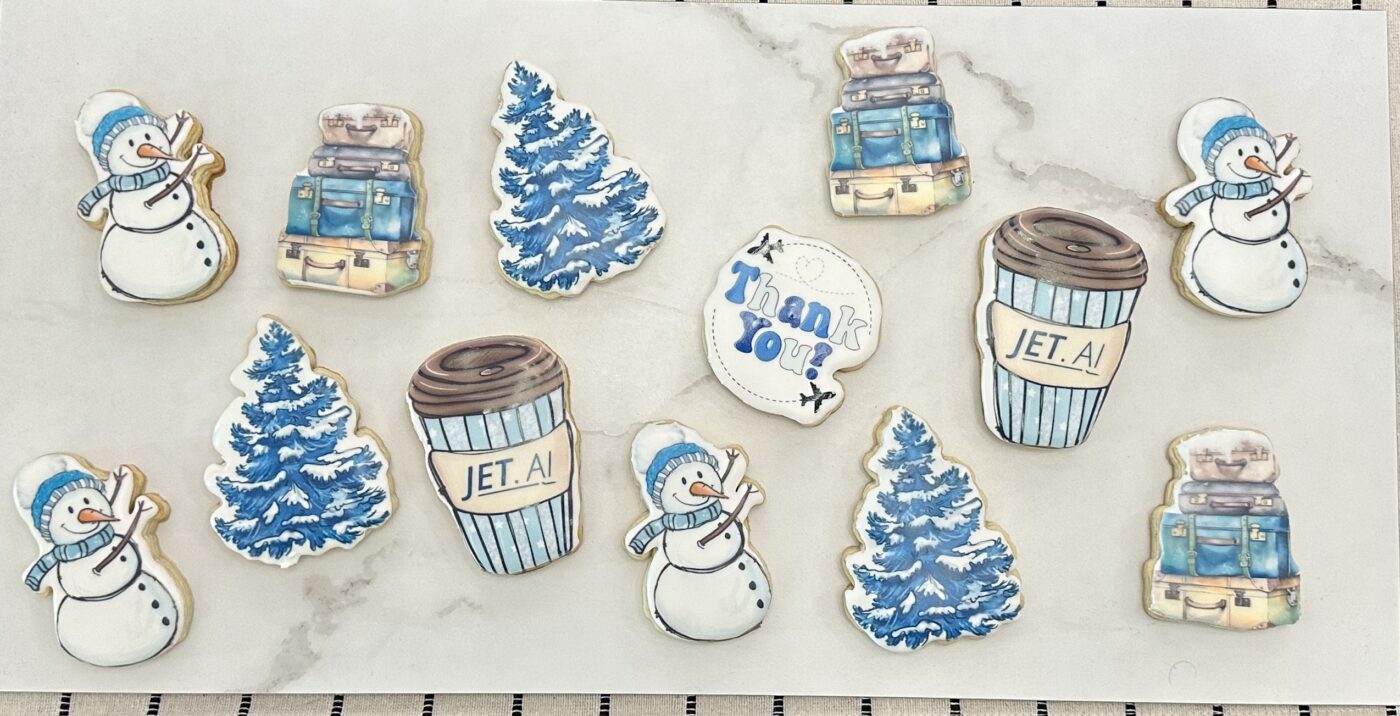
Last winter I got my first-ever airport delivery order — a ski trip cookie set with personalized coffee cups for each family member. I was so excited!
Then the family got sick and couldn’t go.
So you know what we did? We took the cookies on our own trip instead. And I remade their set for Spring Break. That’s the beauty of printing your cookies — reprinting a whole set takes an afternoon, not a week of piping.
Let me show you exactly how I do it, from design to delivery.
Step 1: Find Your Design on Creative Fabrica
Every design in this set (except the Thank You cookie — that one’s mine!) came from the Winter Adventure Clipart Bundle on Creative Fabrica.
I download the PNG files and open them in Silhouette Studio. That’s where the magic starts.
💡 Baker’s Tip: I use Creative Fabrica for almost all of my cookie graphics because every download comes with a commercial license, meaning you can legally sell the cookies you make with their art.
👉 Click here to explore Creative Fabrica’s Winter Adventure Graphics
Step 2: Personalize in Silhouette Studio
In Silhouette Studio, I add names to the designs — this is where “Chrissy,” “McKenzie,” and “Neal” got their personalized coffee cups. Silhouette centers text perfectly, which is why I prefer it over other programs for this step.
Here’s the full set laid out in Silhouette Studio. For each design, you’ll see the print image AND the solid black silhouette next to it:
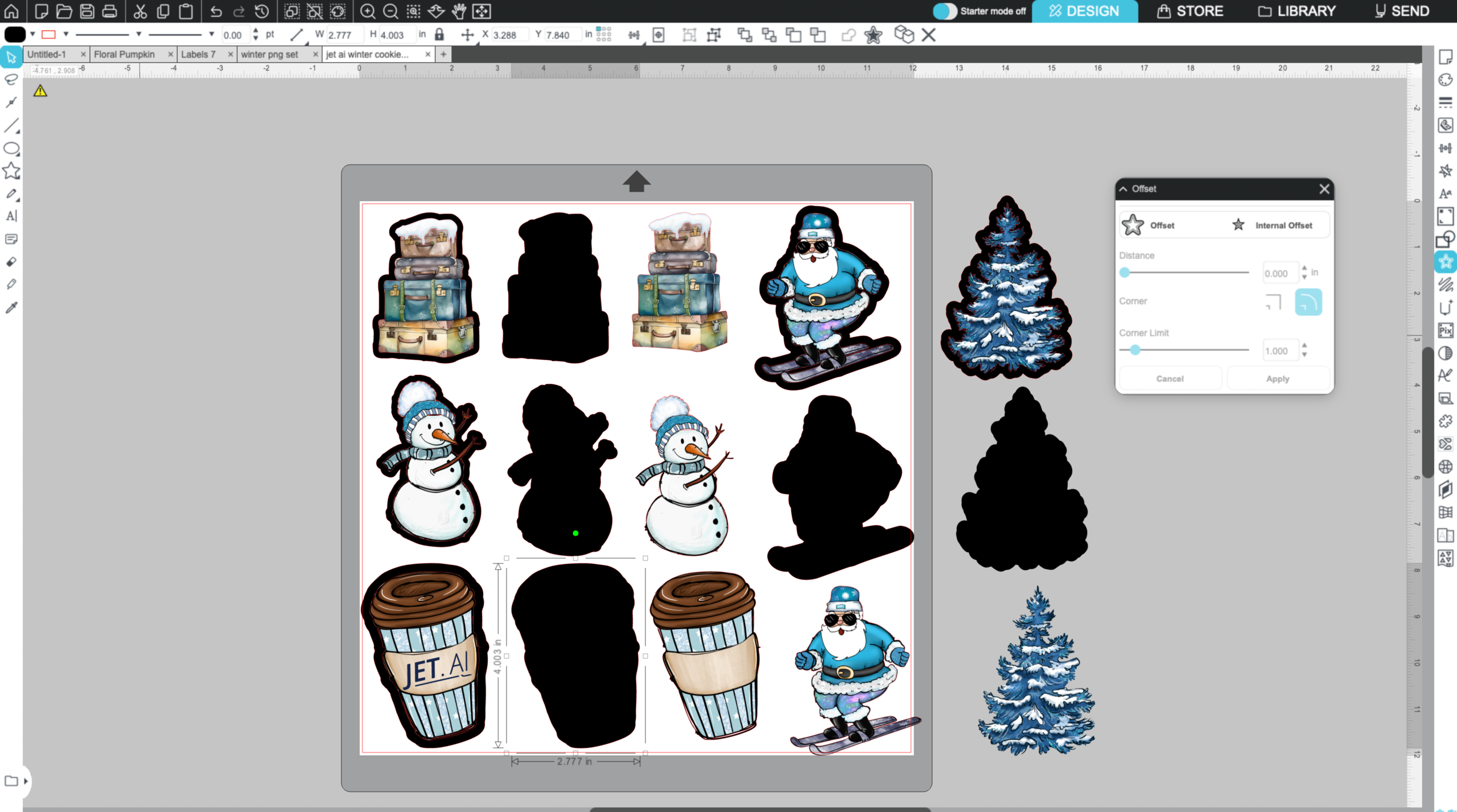
See those dimensions? The coffee cup is highlighted showing 2.777″ wide × 4.003″ tall. Those exact numbers go into CookieCAD (for the cutter) and Swift Publisher (for the Eddie template). It’s the finished size of the baked cookie, roughly.
I always measure the actual baked cookie to make sure I don’t need to tweak anything, but this method is usually spot on.
❄️ Pro Tip: chill your dough before baking — my recipe doesn’t spread, and chilling helps a ton with that.
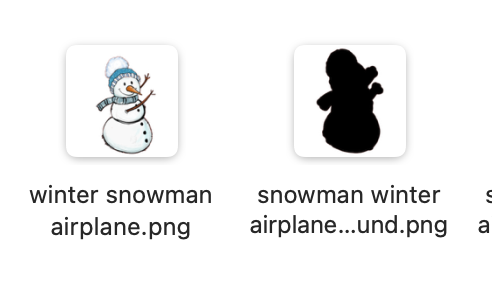
The black silhouette version is key — I fill the design in a solid color and save it as a separate file. That silhouette becomes the cookie cutter shape:
Step 3: Make the Cookie Cutter in CookieCAD
Upload that solid black silhouette into CookieCAD. Here’s my process:
- Select “Cutter” from the dropdown at the top
- Change the size from mm to inches
- Click the lock icon to unlock it
- Type in your dimensions from Silhouette Studio
If it’s not a cutter I’ll use very often, I leave all the other settings exactly as they are — easy!
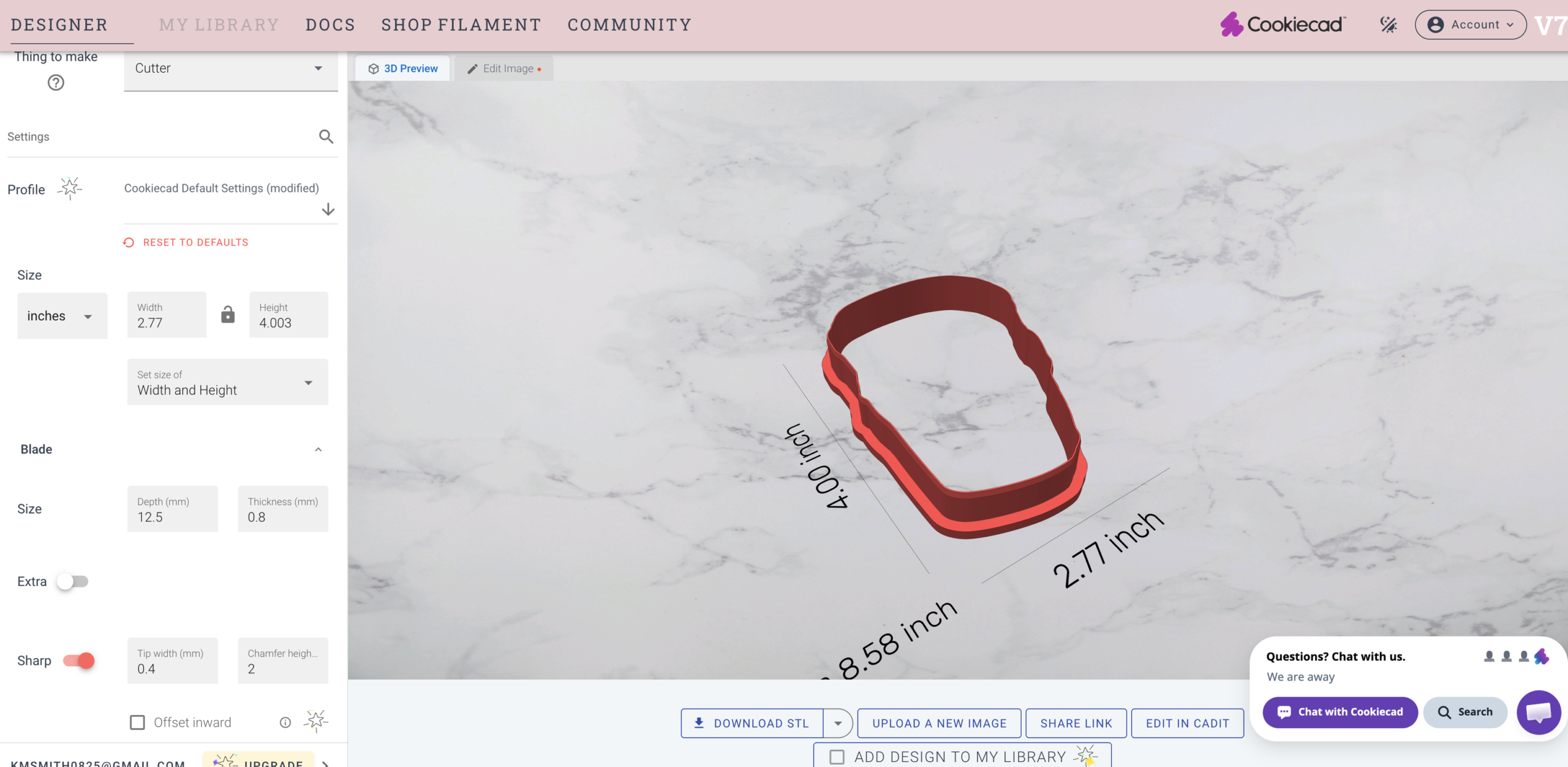
Then I hit Download STL and send the file to my husband, who handles the 3D printing. Here’s what the STL file looks like:
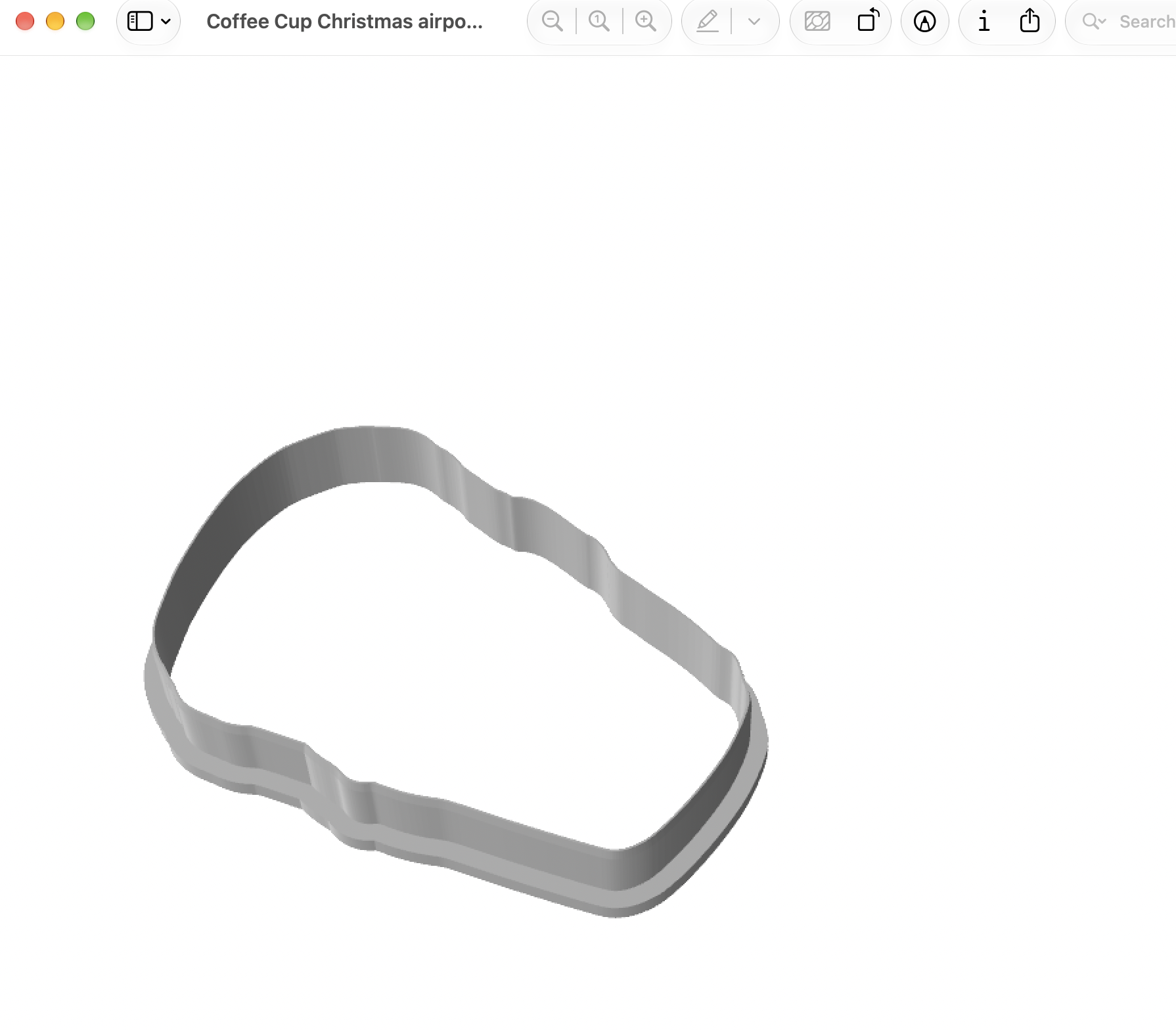
And here’s the finished result — five pink cutters, fresh off the printer!
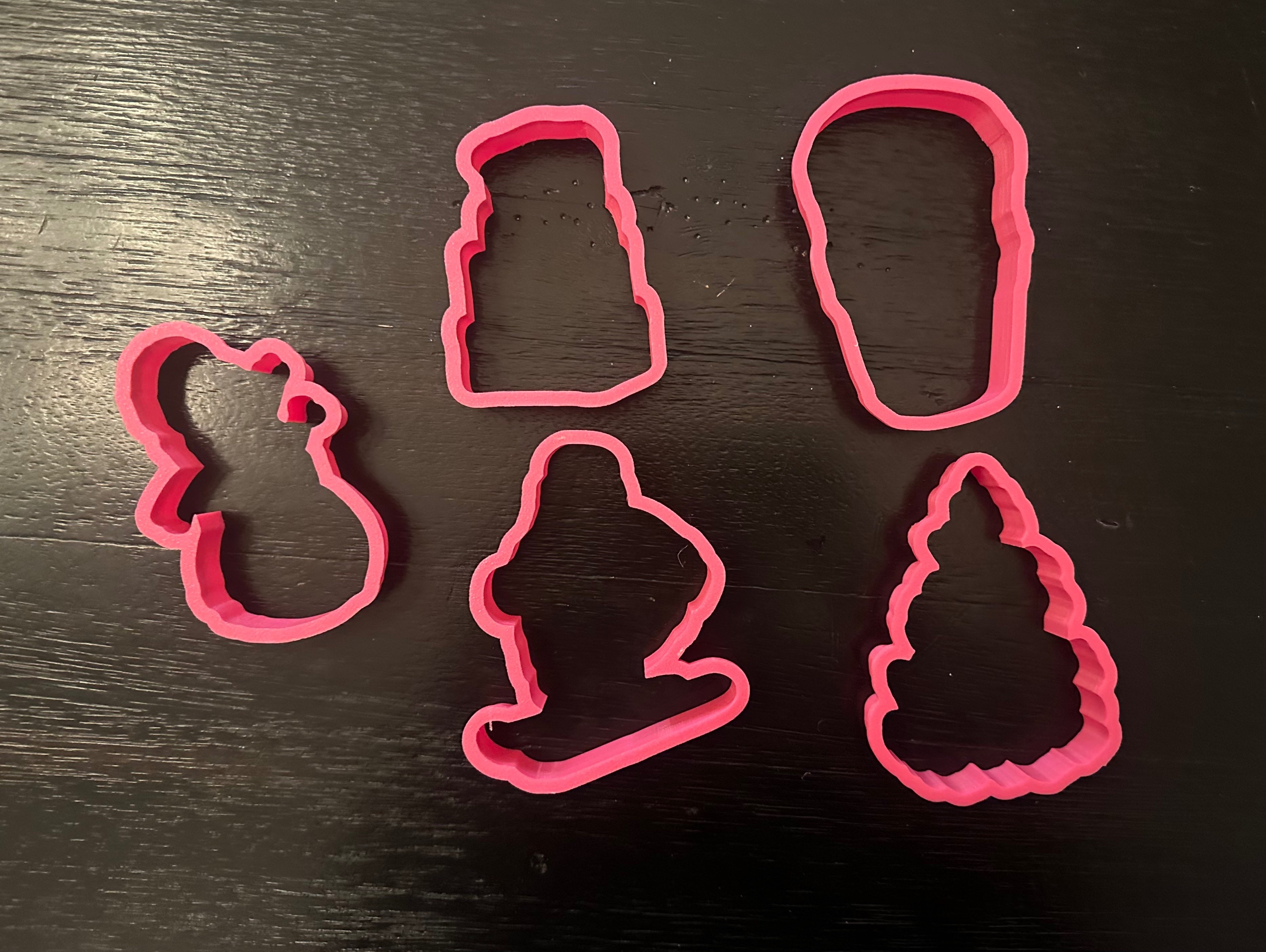
Here’s the smart part: the coffee cup cutter is reusable! I just swap the names on the Eddie print — Jet, Chrissy, McKenzie, Neal — while using the same physical cutter. One cutter, endless personalization. No need to print a new cutter for every order.
Step 4: Set Up the Eddie Template in Swift Publisher
I use Swift Publisher on my Mac to lay out the designs for the Eddie printer. Each page is one cookie design, sized to match:
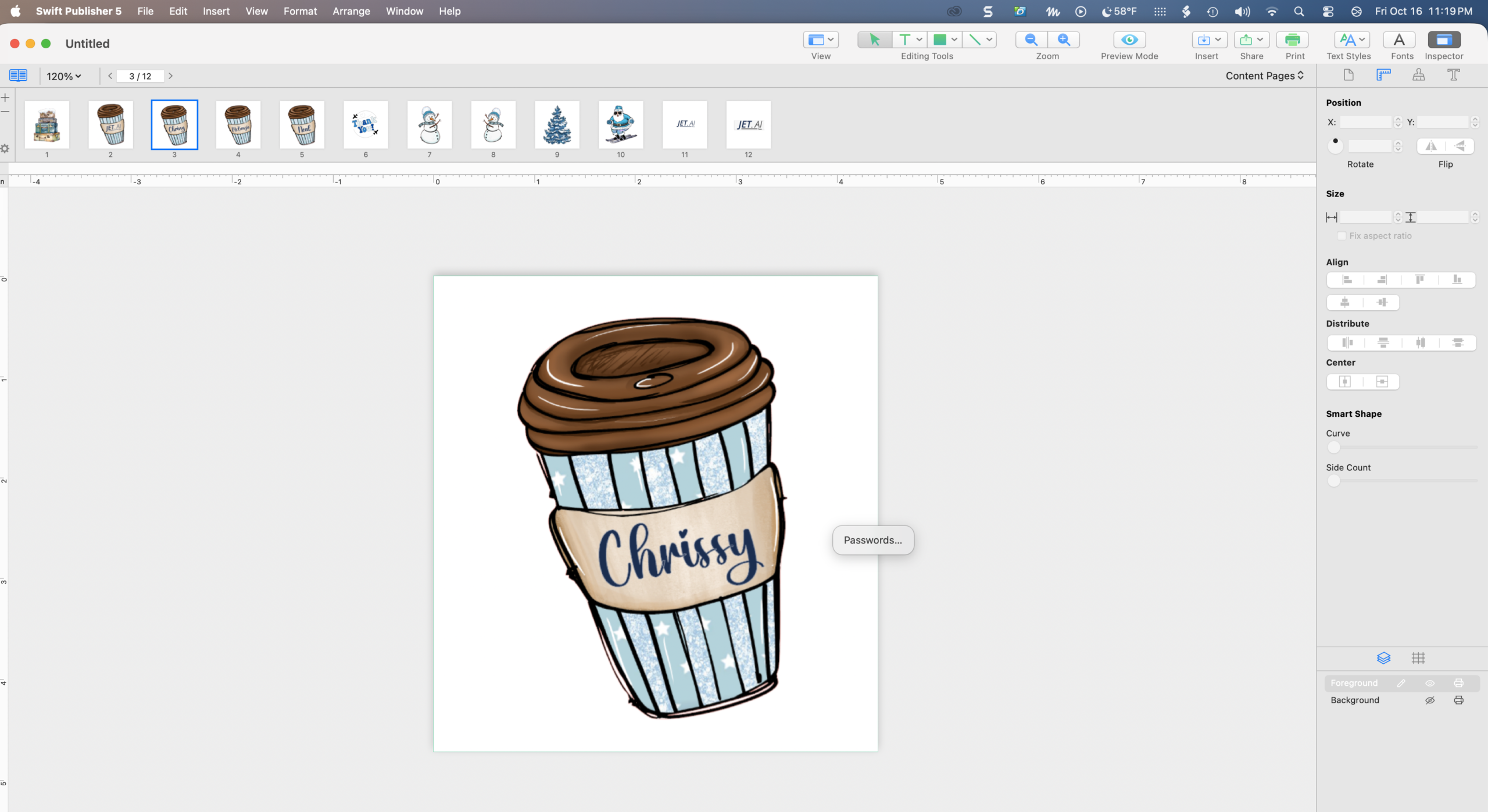
Step 5: Print on the Eddie!
Now the fun part. Watch the coffee cups printing — you can see me print the first one, lift it off, and use my printed alignment template to line up the next cup:
Here’s the ski Santa printing:
The snowman:
The winter tree:
And because real life isn’t always perfect — here’s the suitcase blooper where my camera wasn’t lined up!
The Cookies Go on Vacation!
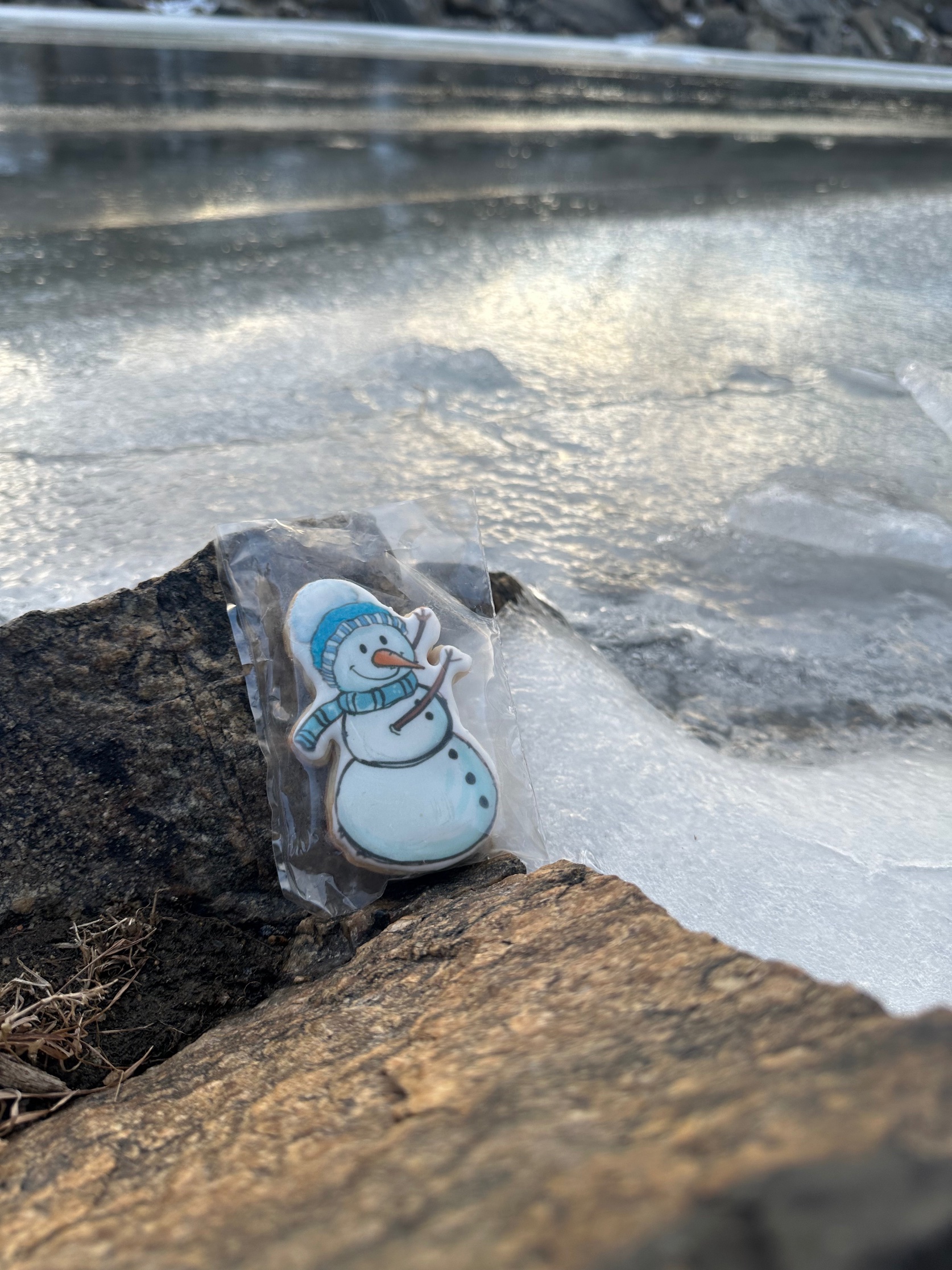
Remember how the family got sick? Well, the cookies still got their ski trip! Here’s the snowman at the Grand Canyon:
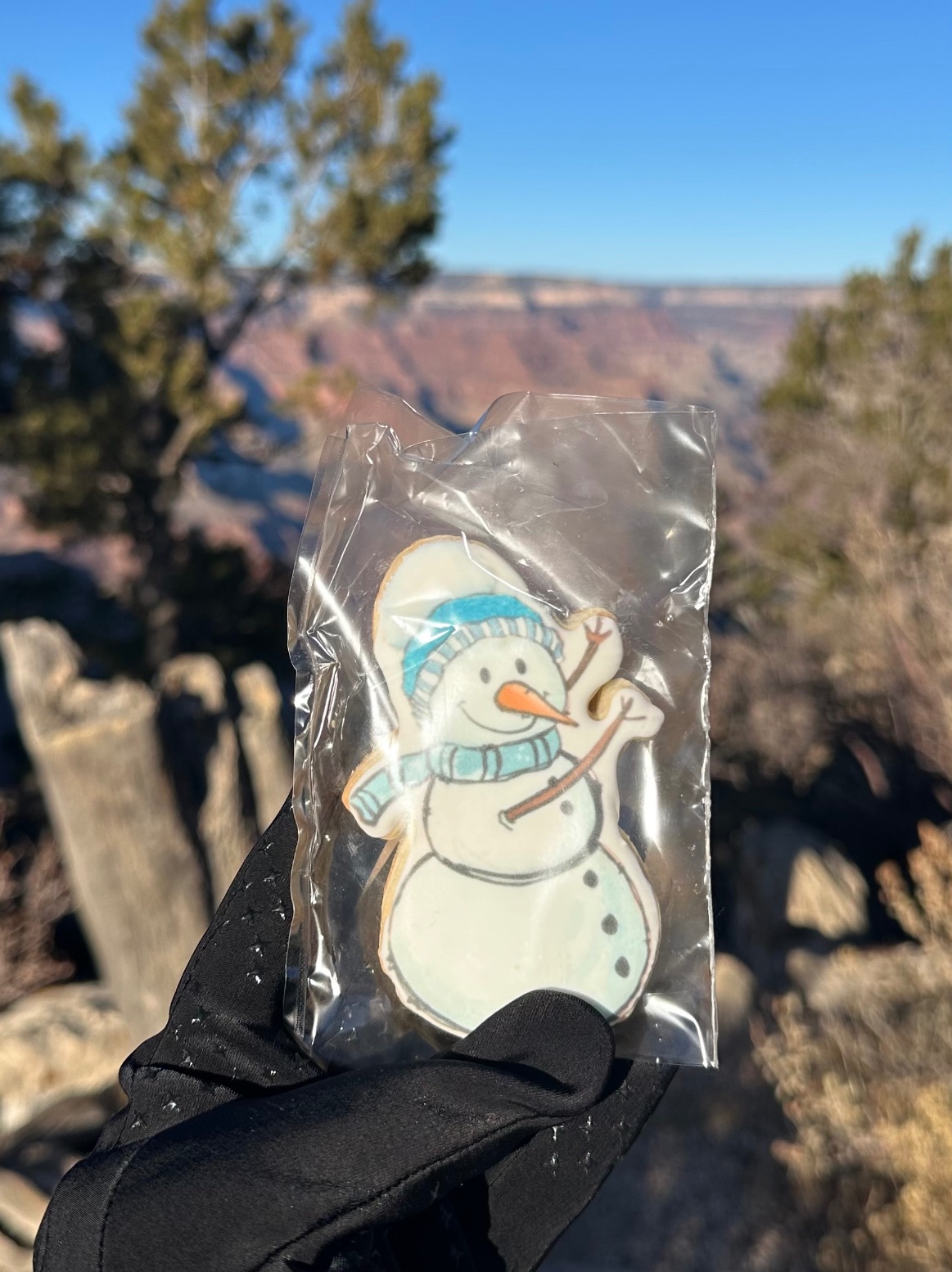
He even hiked the Bright Angel Trail:

Ski Santa made it to Delicate Arch in Arches National Park:
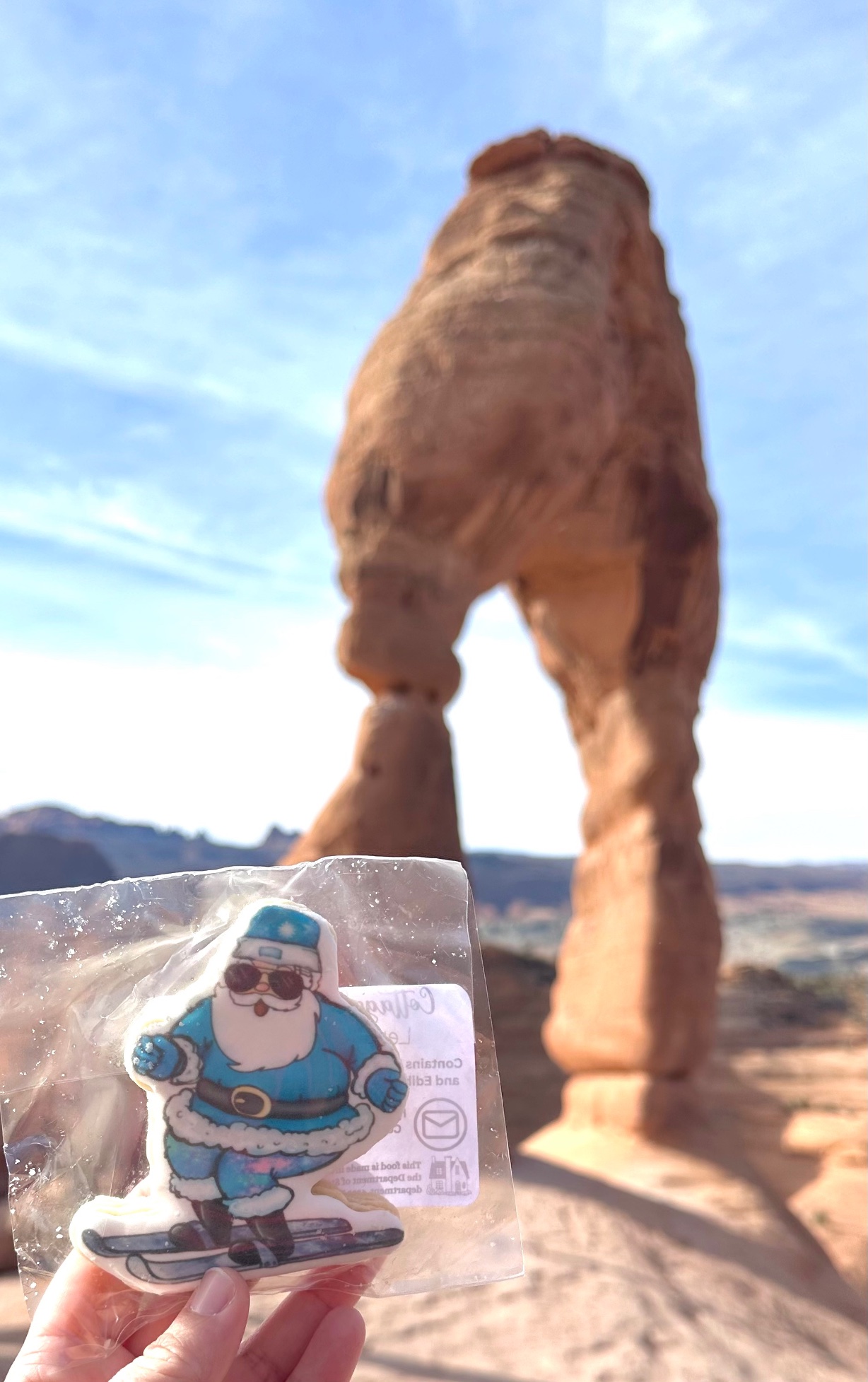
And here’s me with the snowman at Delicate Arch!

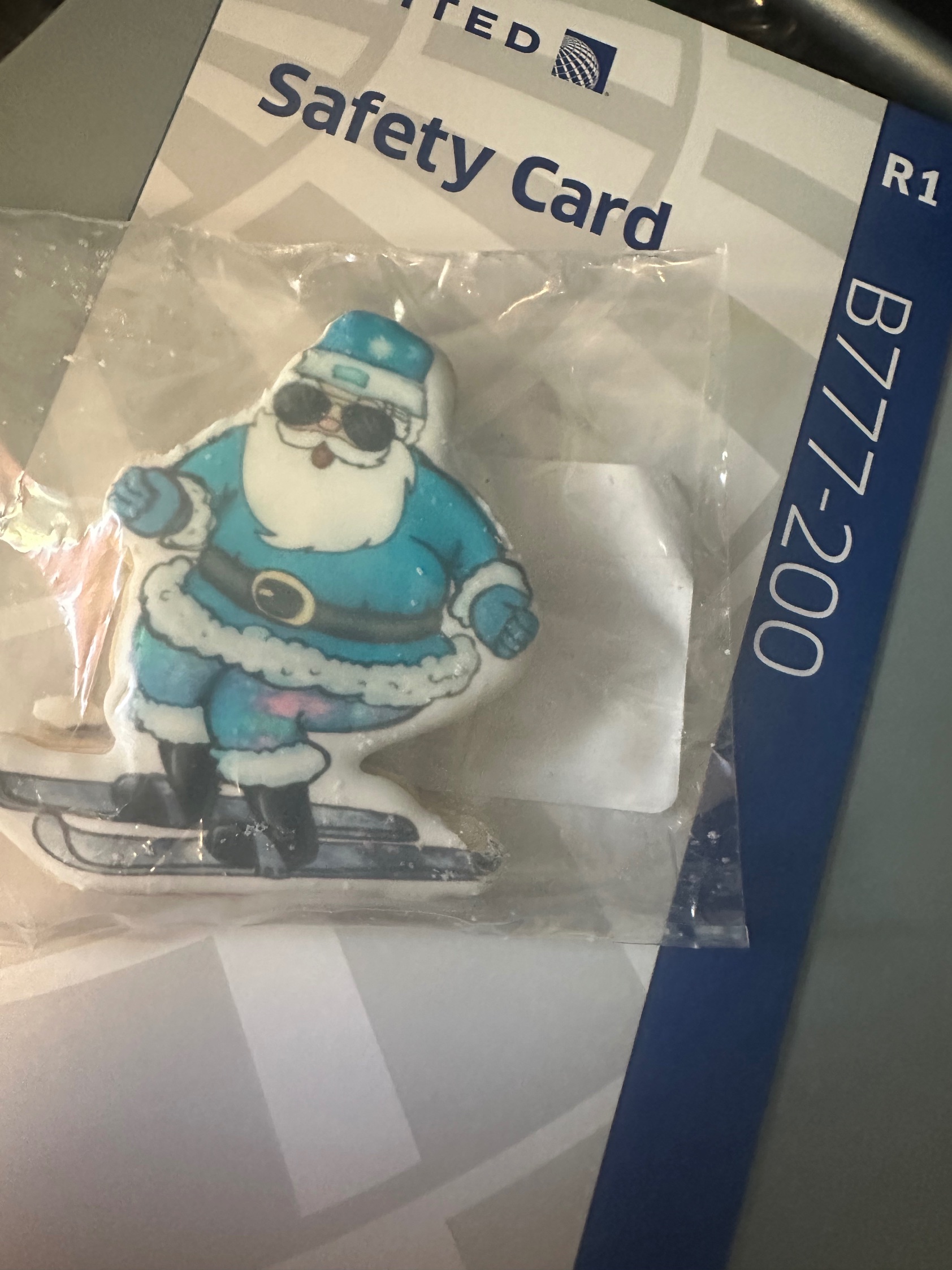
Santa flew United:
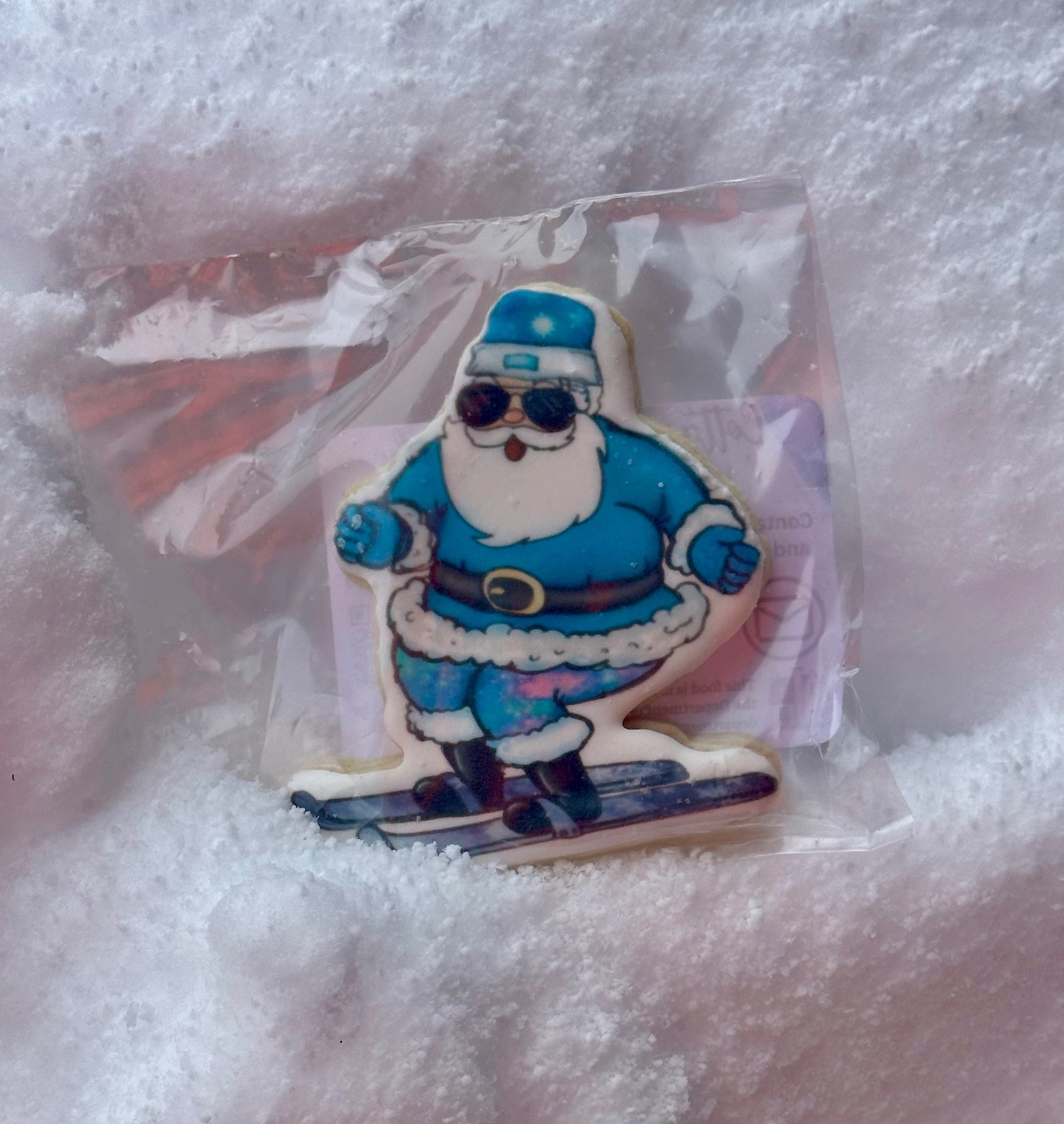
Made it to the snow:
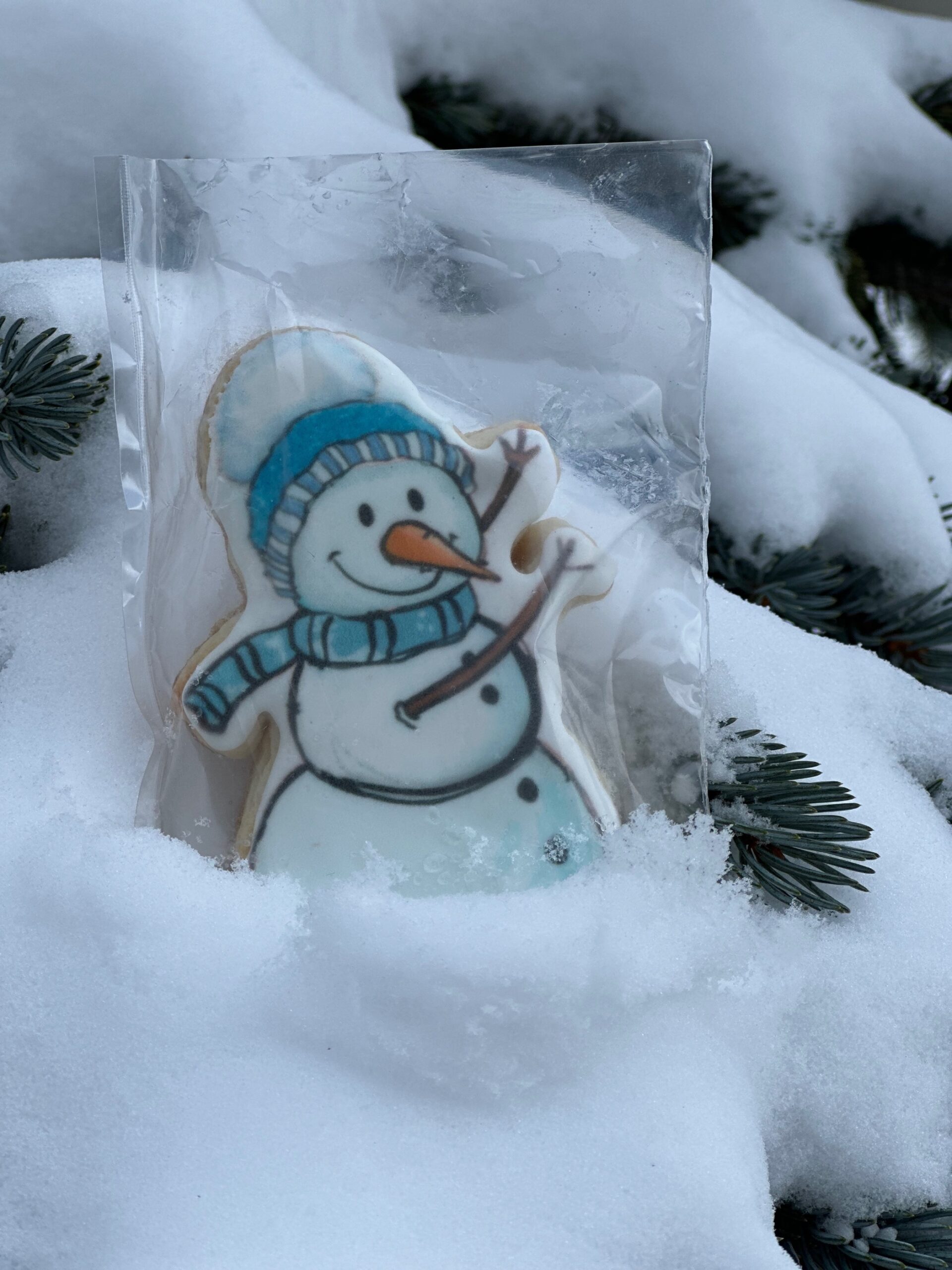
And visited the Colorado River:
The Real Delivery: March at the Jet Center
When Spring Break finally came, I remade the whole set and delivered it to the airport — the Henriksen Jet Center, to be exact!
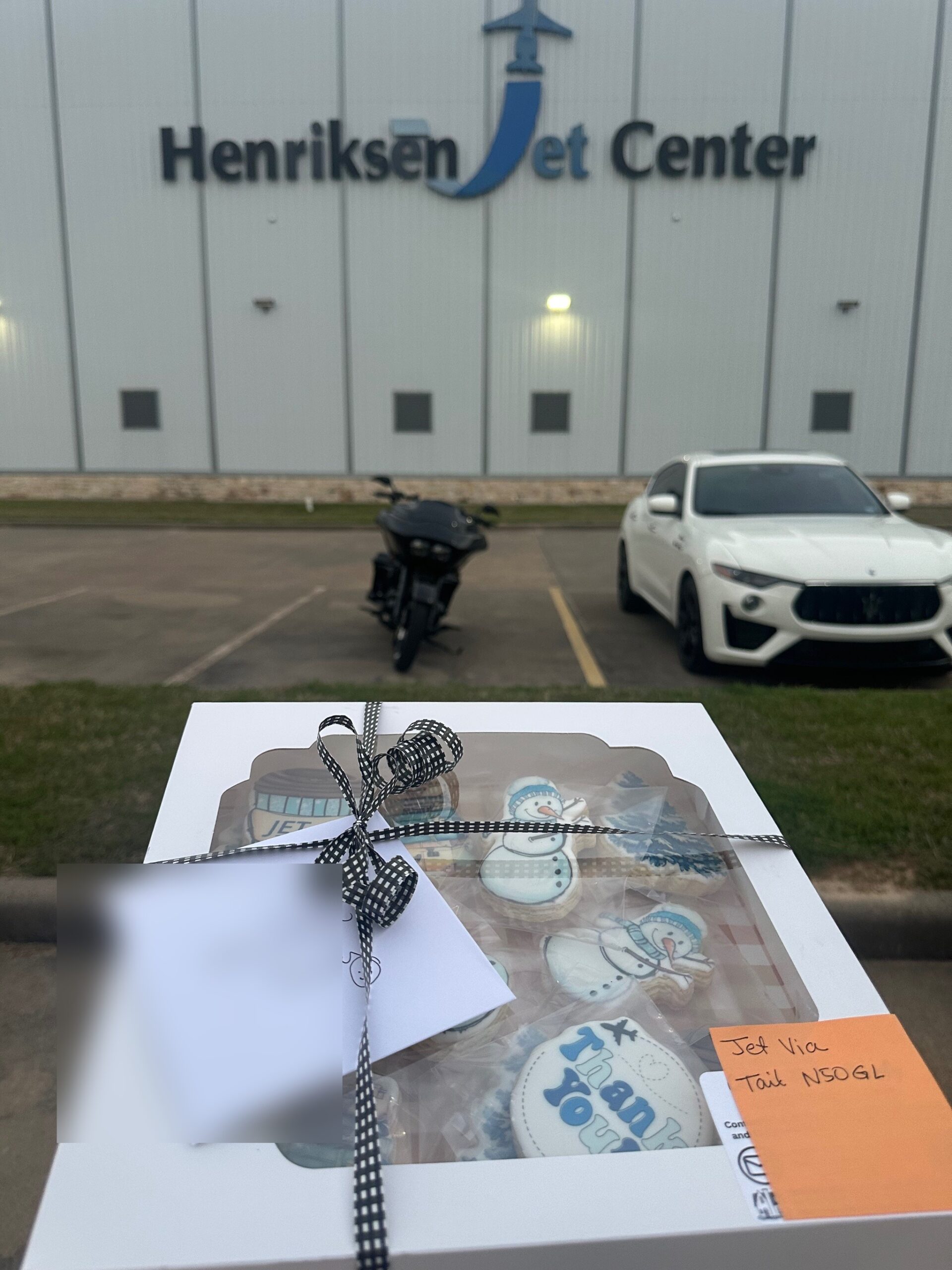
What a journey — from a Creative Fabrica download to cookies on a private jet!
Supply Spotlight: Packaging for the Road
Everything I use to pack cookies for safe travels — sturdy, cute, and road-trip approved!
Moretoes 12x12x2.5″ Bakery Boxes
The ultimate flat presentation box for exactly one dozen large custom cookies! These heavy-duty 270gsm auto-popup containers snap together instantly without tape and feature a crystal-clear display window.
Estune Black Deli Wax Paper
The ultimate presentation secret! These 12″ x 12″ greaseproof black sheets make your custom cookie colors pop beautifully while keeping oils from staining your outer bakery boxes.
METRONIC 8″ Impulse Heat Sealer
The ultimate tool for a professional finish! This heavy-duty manual sealer features an adjustable temperature dial to handle thick food bags, sealing them airtight in seconds with no warmup time needed.
Cookie Bags
Food-safe bags to keep your cookies fresh on the road!
ZICOTO Modern Thank You Cards
A premium cardstock set with craft envelopes and sealing stickers. The blank interior is the perfect canvas to leave a heartfelt handwritten note with every custom cookie box!
OnlineLabels Matte Sticker Sheets
The ideal 2.33″ x 3.375″ size for ingredient details and logos! They print edge-to-edge beautifully without smudging in standard home printers.
As an Amazon Associate, I earn from qualifying purchases.
Want More Design Ideas?
If you loved these designs, check out my post on 10 Reasons Bakers Love Creative Fabrica (coming soon!) — it’s my go-to source for printable cookie designs.
This post contains affiliate links. I earn from qualifying purchases.
